Find parking
CoPilot provides information about parking availability for thousands of truck services locations, gas stations, truck stops, rest areas, and private lots in the U.S. and Canada. Several types of parking information are available:
-
Real-time parking information for locations in the U.S. Midwest that are part of the Regional Truck Parking Information Management System (TPIMS). The system uses technologies such as sensors to detect open parking at various locations.
-
Predictive parking information for locations in the Trimble Maps Places database. This information is based on Trimble’s proprietary data on dwell times for trucks at a location, as well as parking feedback from drivers within CoPilot.
-
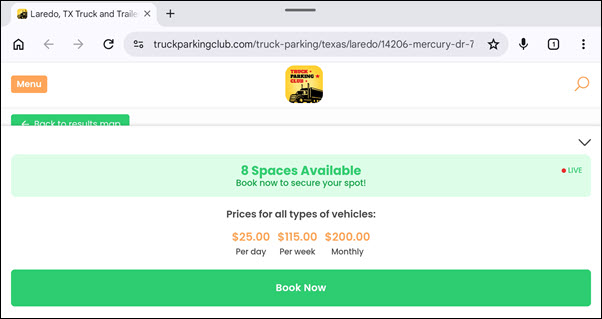
Parking locations that are part of Truck Parking Club and Best Truck Parking. These services allow drivers to reserve parking spots ahead of time for a fee. Starting with CoPilot 11.3.0.2012, Truck Parking Club and Best Truck Parking spots can be booked directly from links within the CoPilot app.
View parking information
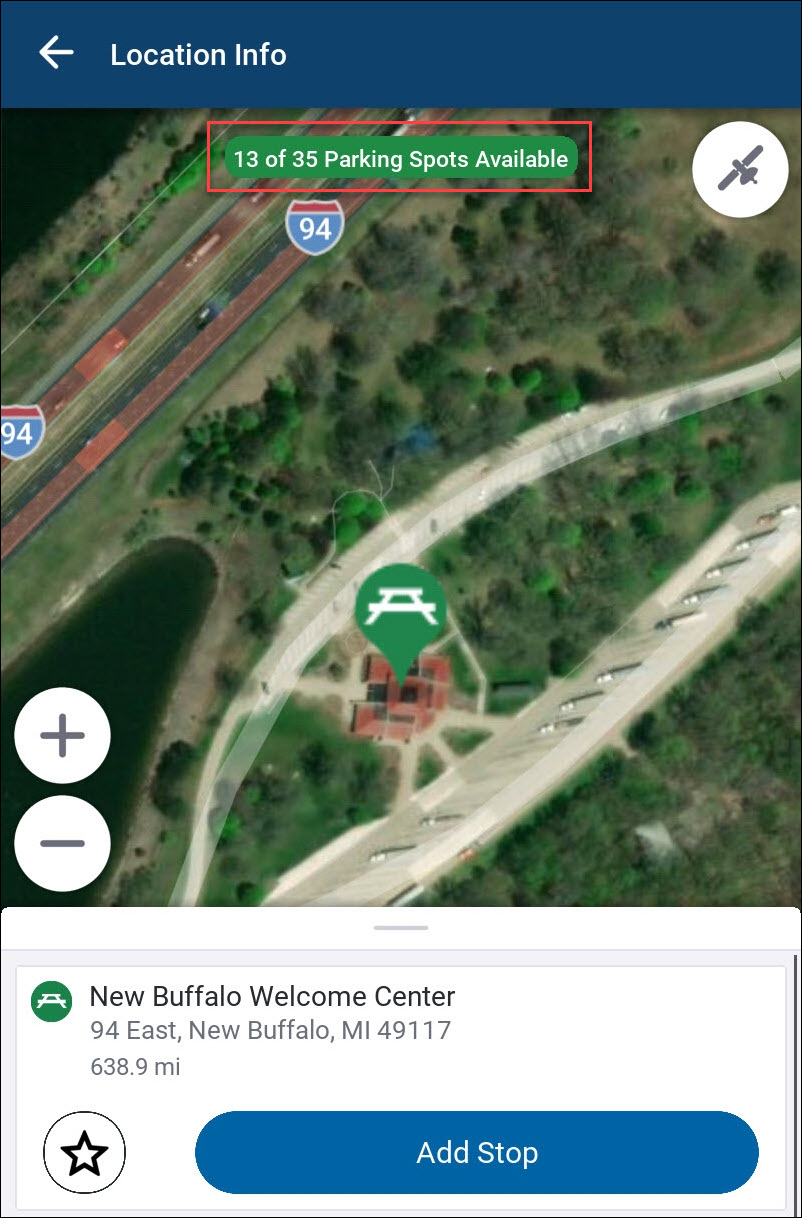
Parking information, if available, is displayed in the Location Info screen. The Location Info screen opens when you search for a location to add it as a stop to your trip.
If live parking information is available, it is displayed as a badge at the top of the screen.
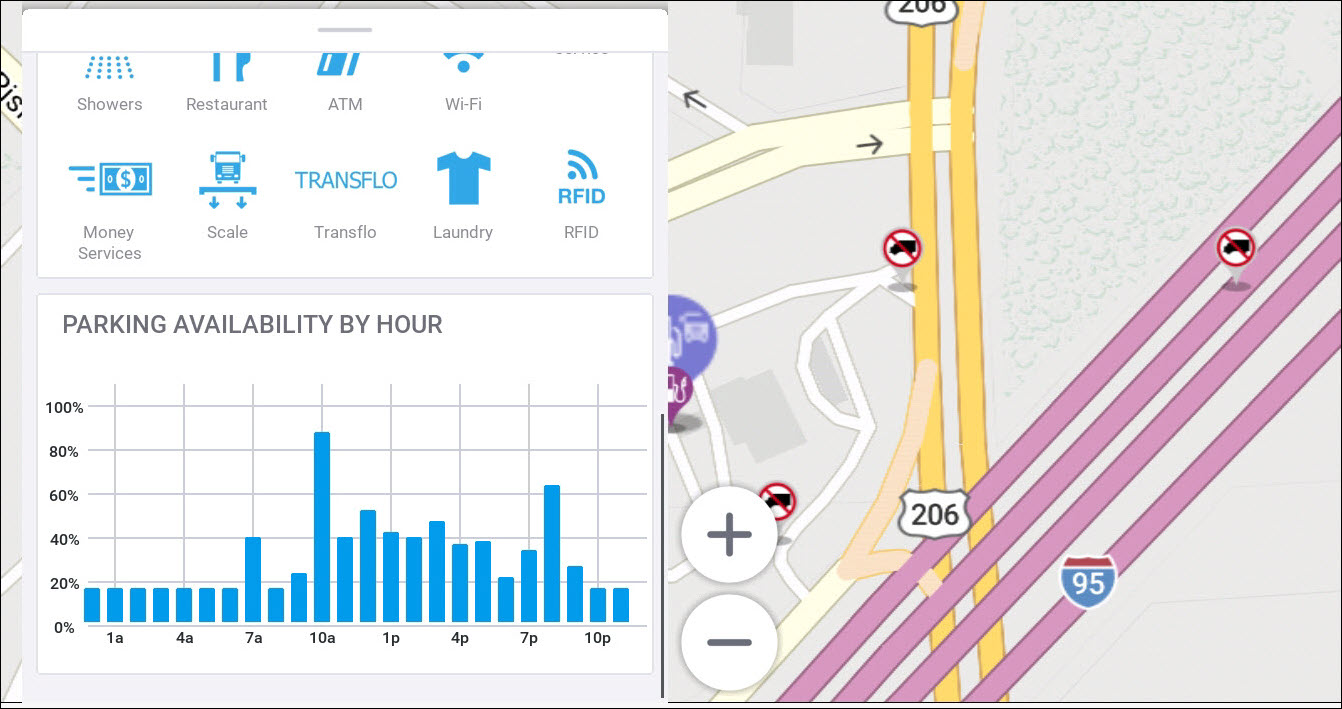
Predictive parking, if available, is displayed as part of the location information in the drawer at the bottom of the screen.
-
Tap the bar to open the drawer.
-
Swipe up to scroll down the page.
-
The Parking Availability by Hour chart shows the percentage of a location’s spots that are typically available at a given time of day.
Truck Parking Club and Best Truck Parking
CoPilot’s map data includes locations that are part of Truck Parking Club and Best Truck Parking, two services in the U.S. where drivers can pay ahead of time to reserve a parking spot.
-
If you don’t know the exact location of a Truck Parking Club or Best Truck Parking lot, search for "Truck Parking Club" or "Best Truck Parking" with the city and state where you want to find a lot.
-
If you know the address of a parking location, enter it in the search field in CoPilot to find the location. (Or pass the address to CoPilot via the integration method—e.g., URL launch or CPIK APIs—you would normally use to pass a location to CoPilot to create a route.)
Real-time availability
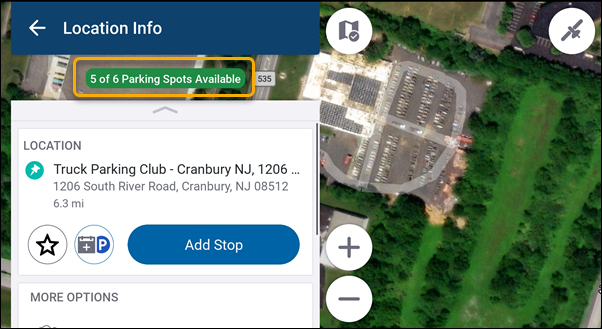
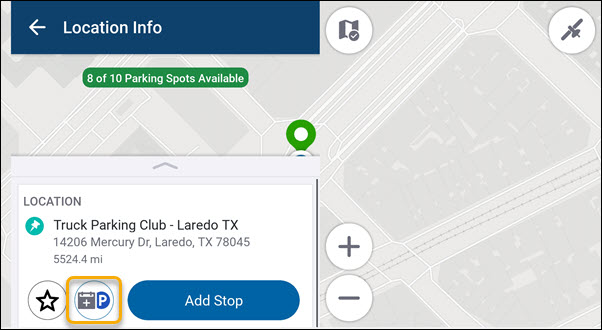
Truck Parking Club locations display a real-time count of available parking spots in the Location Info screen.
Book parking spots
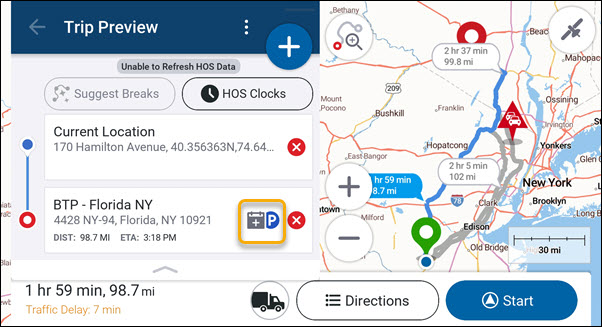
Truck Parking Club and Best Truck Parking locations both display a calendar/parking icon:
-
In the Trip Preview screen for trips passed directly to CoPilot (for example, via URL launch or CPIK APIs).
-
In the Location Info screen for a location that you have searched for or selected to add as a stop to your trip.
-
Tapping the icon opens the device’s web browser to the Truck Parking Club or Best Truck Parking reservation page for that location, where you can book a parking spot.