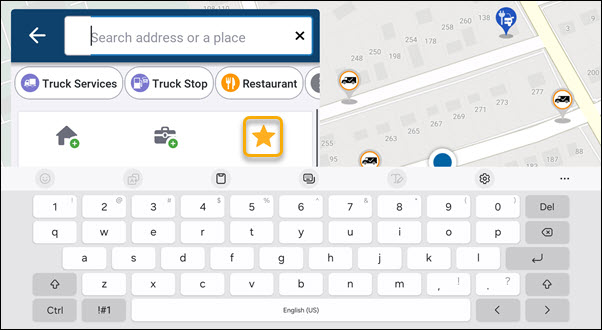
Save a favorite location
You can save favorite locations in CoPilot to easily navigate to them later. This is useful for frequently visited places, such as parking areas, restaurants, or other points of interest.
Step 1: Save a location as a favorite
-
Search for a location using the Search bar on the CoPilot navigation screen, or select a location from the map.
-
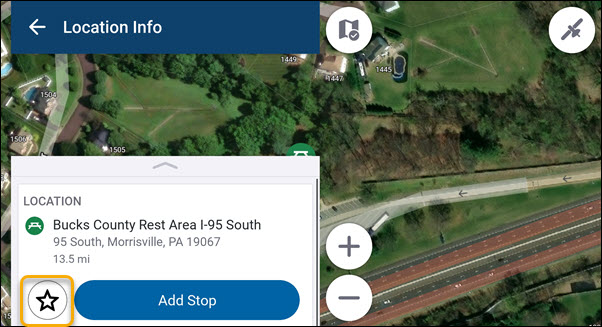
On the Location Info screen, tap the Star button to save the location.
-
Name the location, select a category if desired, and tap Save. The location is added to your list of favorite locations.