Changing maps
Any user who is licensed for Europe and U.S. maps, who wants to switch maps from one country to another, will have to follow this path
From the main menu list, select My CoPilot and then My Maps.

Select Switch Map on the top of the screen. Choose the map you wish to use.
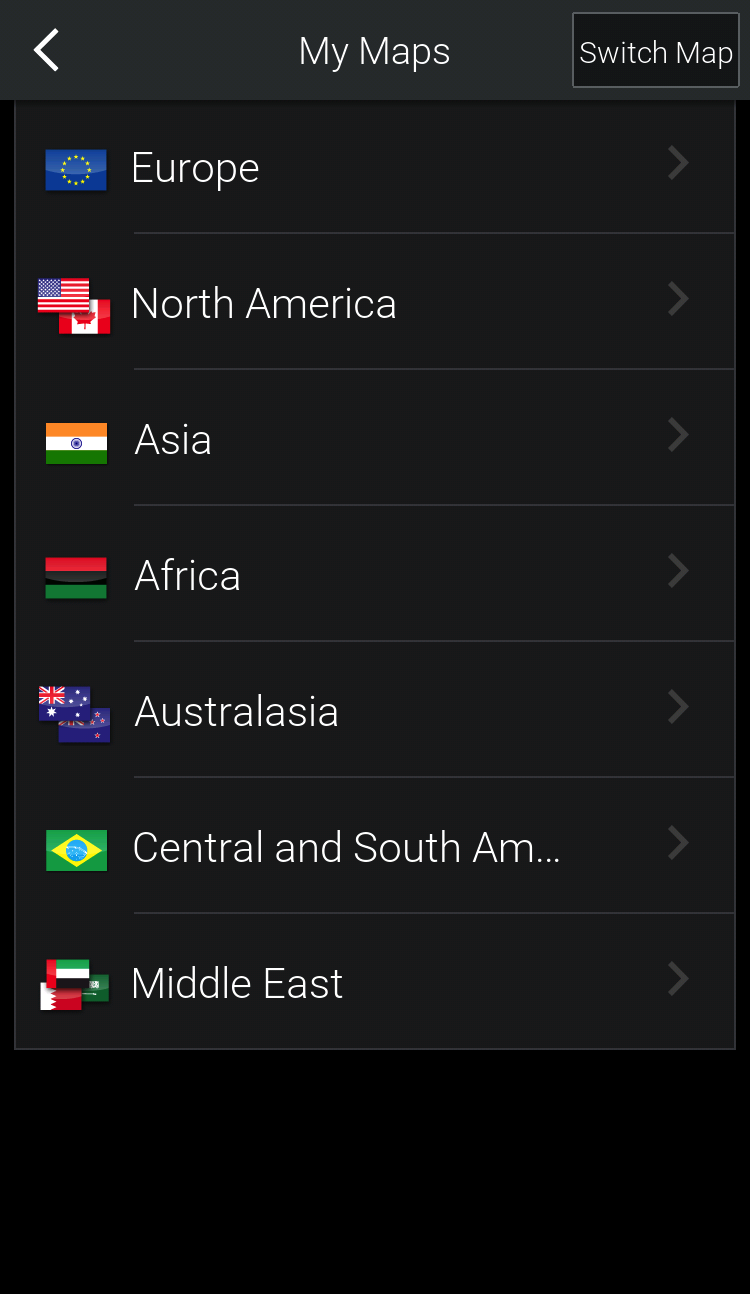

Confirm the switch by tapping Yes.
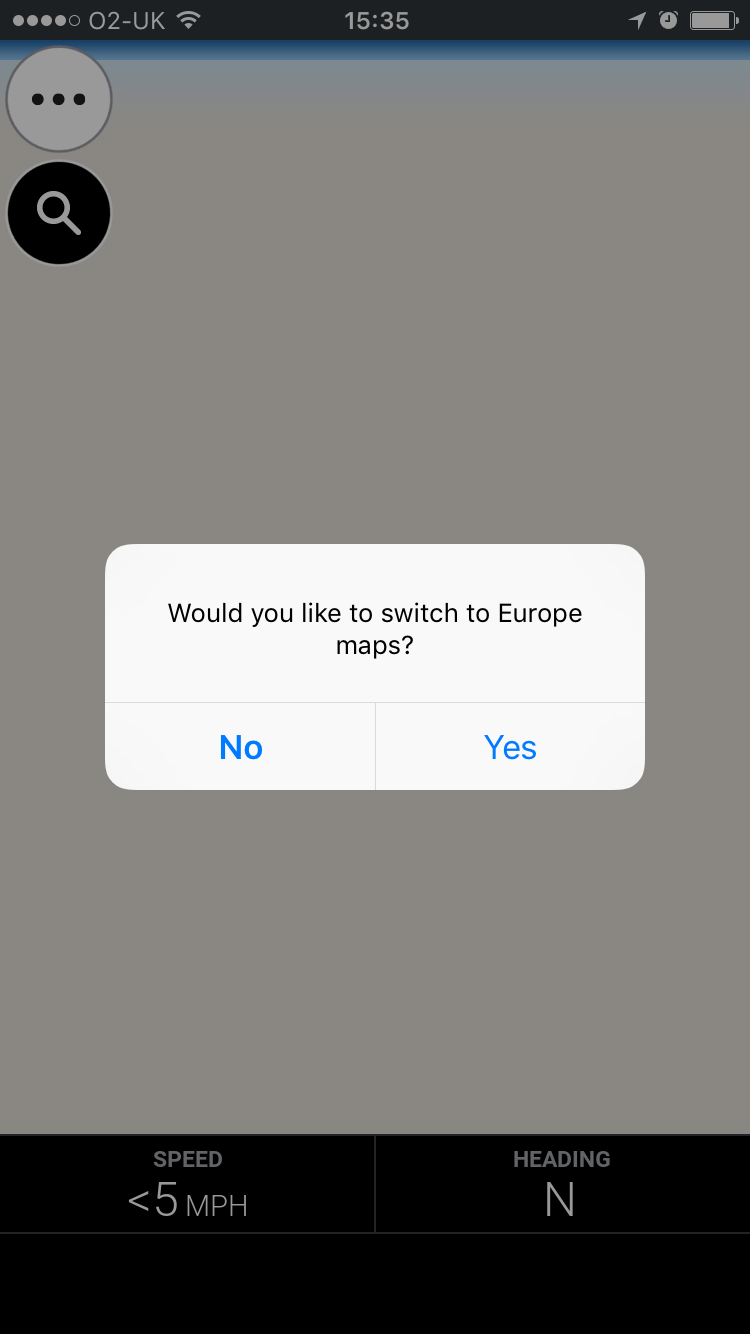
The same instructions apply to any case where you are licensed for different maps belonging to different continents.
| CoPilot will detect your position every time you launch it, prompting a message to switch maps once you have traveled to another continent. |