Split Screen View
| This setting only applies to tablets. |
If you are using CoPilot on a tablet, once you have started a journey, you can switch to split screen view to display both the map and the next driving instruction.
-
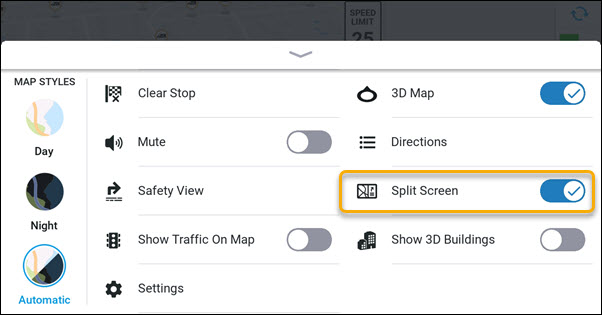
On the navigation screen, tap the arrow on the center display to open the menu.
-
Tap Split Screen to toggle it on. (A check mark appears next to it when it is on.)
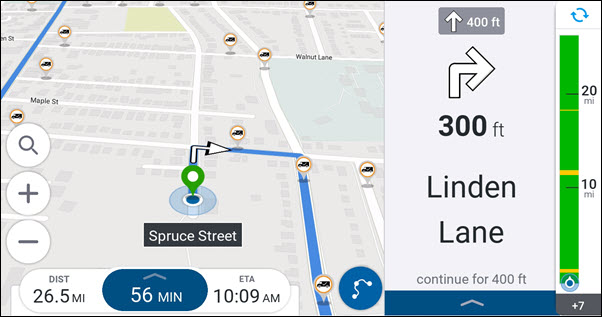
In portrait mode, the map is displayed at the bottom of the screen and the next driving instruction at the top.