Route to contacts
CoPilot can pull addresses from the Contacts on your smartphone or tablet to add as stops on your route. (You must give CoPilot permission to access your Contacts.)
-
Tap the search bar.
-
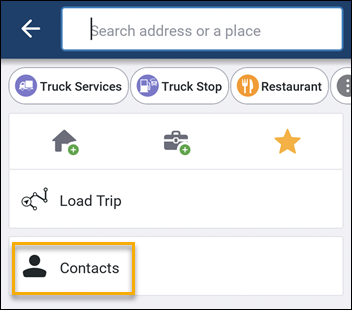
In the Search screen, tap Contacts.
-
Tap the contact you want to add as a stop on your route.
-
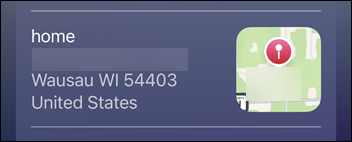
Tap the address you want to add as a stop on your route.
-
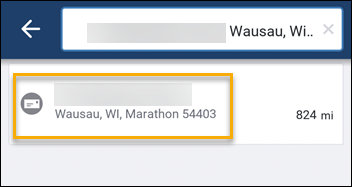
The Search screen opens. Tap the address again to open the Location Info screen.
-
If the address is correct, tap Add Stop to add it to your trip.