Cancel an active trip
-
Tap the View Trip/Trip Preview button.
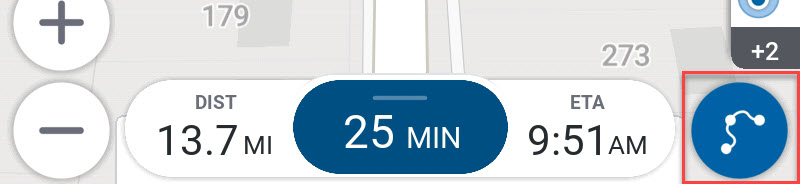
-
Tap the three dots menu at the top of the screen.
-
Tap Clear Trip in Trip Options.
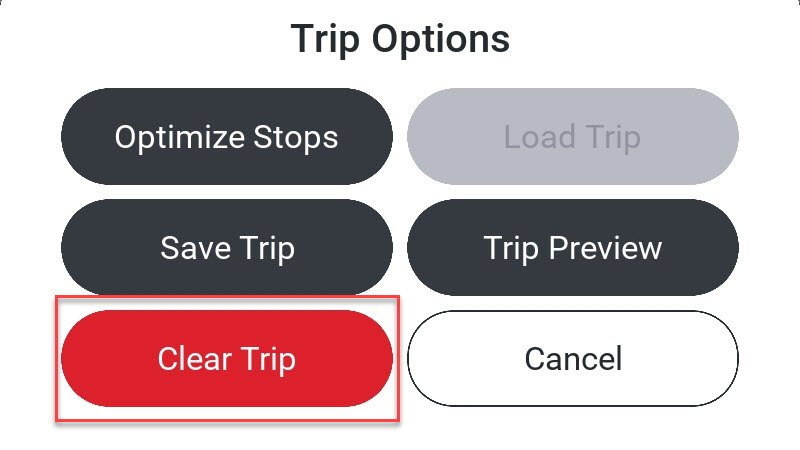
-
CoPilot returns to the Trip Preview screen where you can plan another trip or tap the back arrow to return to the Home Screen.