2026 Releases
March 26, 2026
New Features and Enhancements
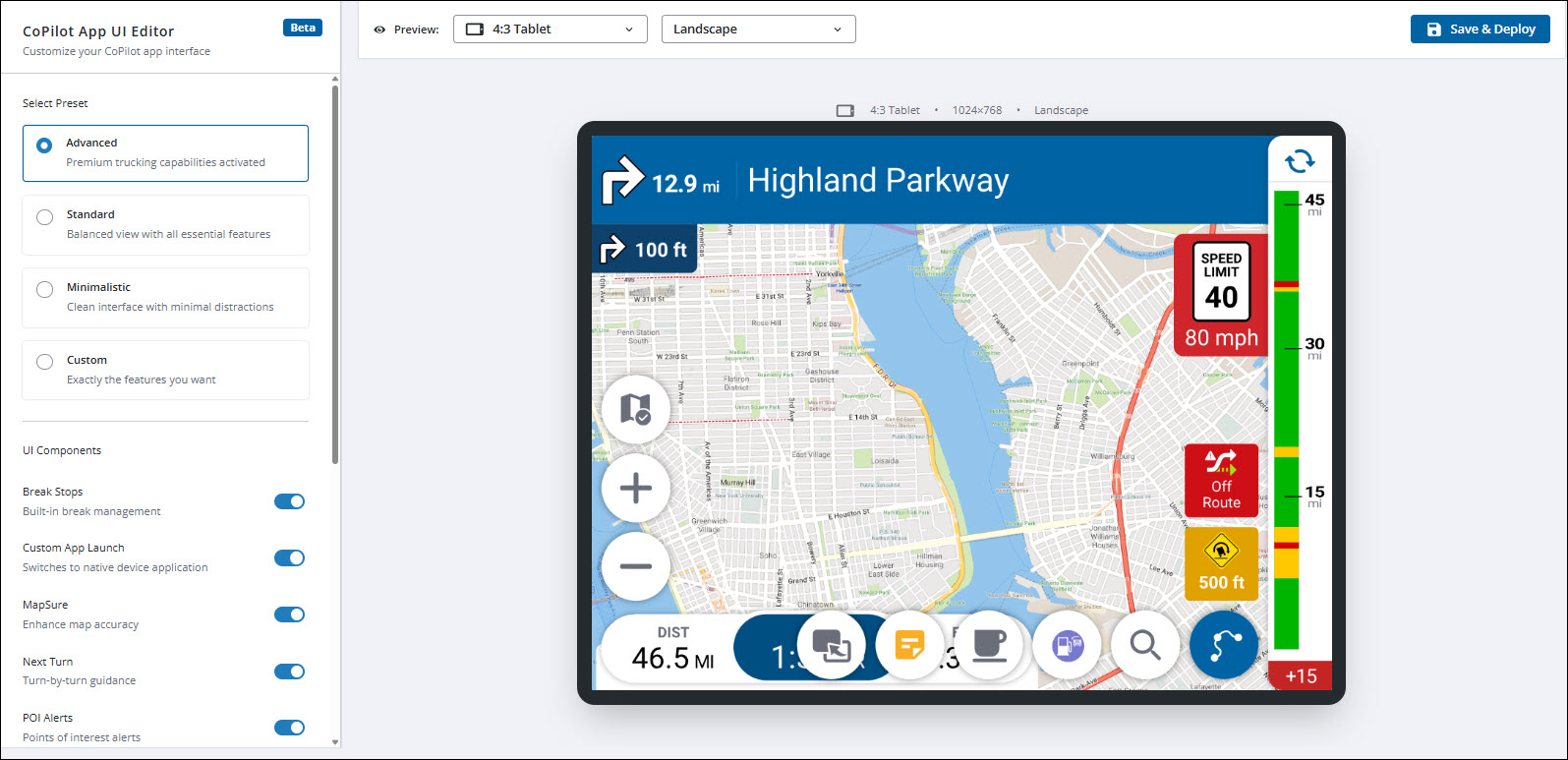
Customize CoPilot app features with the new UI Editor
| This feature is currently in Beta testing. Contact us if you would like to be included in the test before it is made available to all users in a future release. |
The new CoPilot App UI Editor lets you turn on or off the display of more than a dozen features in CoPilot, including the traffic bar, speed and truck warnings, and map displays and alerts. You can preview how your customizations will look on tablets and smartphones in landscape and portrait mode before deploying changes to your fleet’s devices.
Set a schedule for CoPilot updates
| Contact us to add this feature to your account. |
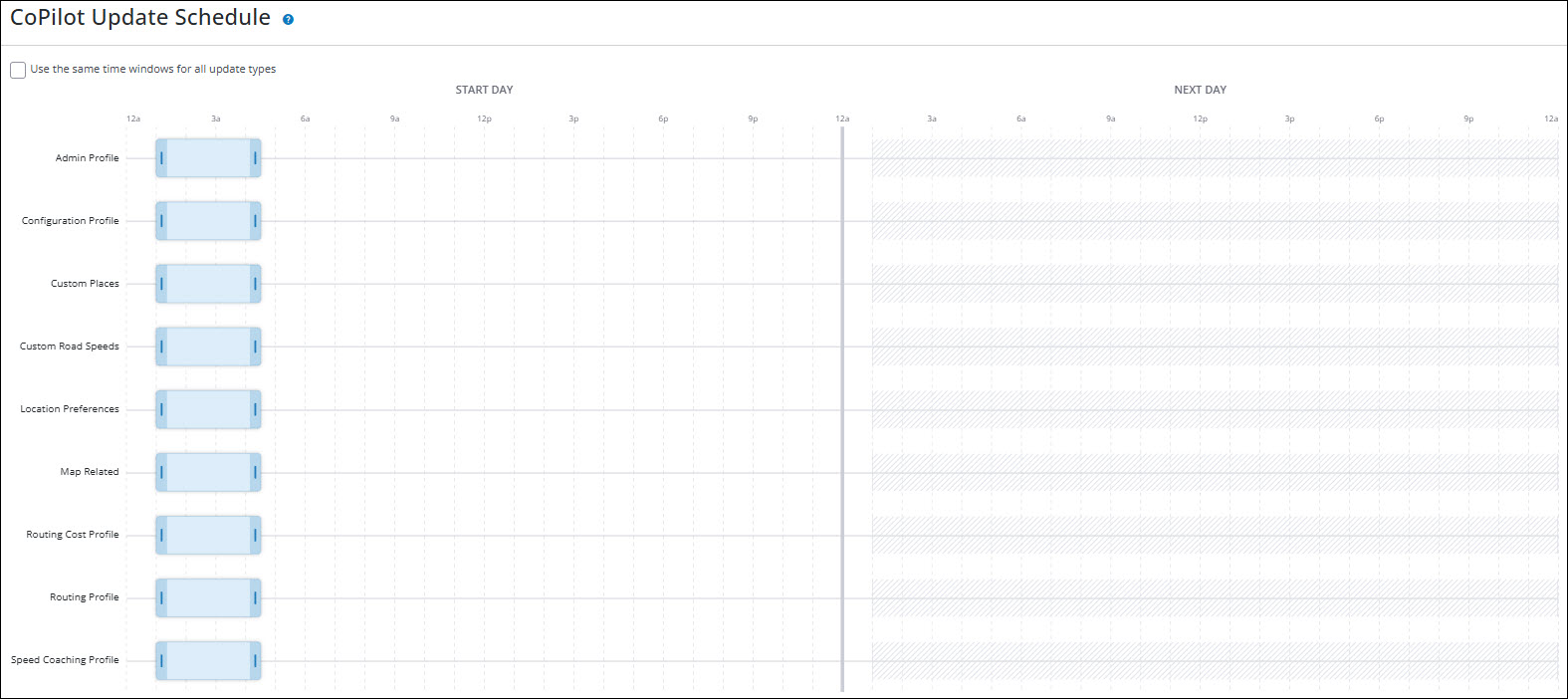
Upon launch and at regular intervals, CoPilot requests updates for data such as custom places, route modifiers (avoids and favors), and MapExact edits. If these updates contain a large amount of data, the driver might have to wait for the new data to download before they can start navigating. The CoPilot Update Schedule feature allows you to create time windows during which updates can be sent to CoPilot. That way, CoPilot can request and implement the updates at times when it is not in use.
User interface improvements
The Account Manager user interface is enhanced with each release. Current improvements include:
-
An asset’s Last Known Location now more accurately reflects the most recent GPS ping received from CoPilot for vehicles operating outside of North America.
-
The Cards view in Vehicle Groups has been redesigned for improved clarity, including better display of Configuration Profile names.
-
Account Manager now includes an improved Chat With Support interface for faster and more efficient customer support interactions.
Jan. 28, 2026
New Features and Enhancements
Allow drivers to find nearby rest stops
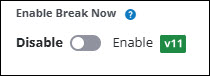
Enable Break Now is the new name for the existing CoPilot Preferences: Navigation setting that allows fleet managers to enable or disable a feature that helps drivers find nearby rest stops. When enabled, a Break button appears on the CoPilot navigation screen. Tapping this button opens a screen that suggests up to five truck-safe locations along the driver’s route, listed by proximity. (CoPilot 11 only)
View asset creation date
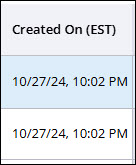
A new Created On column in the Assets table displays the date an asset was created.
View Configuration Profile names in vehicle group table
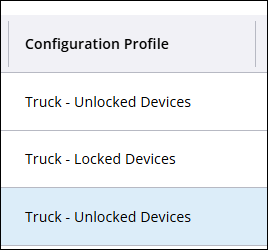
A new Configuration Profile column in the Vehicle Groups table displays the name of the profile associated with that group.
Receive alerts when vehicles do not have associated Vehicle Routing Profiles
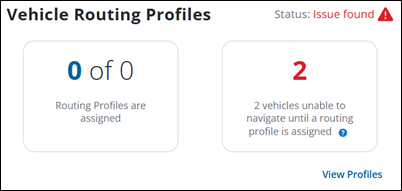
Users are now notified on the Dashboard in the rare case where:
-
A vehicle has a Configuration Profile that prevents the driver from entering a routing profile in the CoPilot app.
-
However, the vehicle also has no default Routing Profiles or profiles associated with any Vehicle Group it is in.
User interface improvements
The Account Manager user interface is enhanced with each release. Current improvements include:
-
The Dashboard hides an option to view assets if the user does not have a role that is able to see assets.
-
Improved the Asset map so the view re-centers when switching views from full screen back to card view.
-
Fixed a double scrollbar issue in the Assets tab when a partner switches to another account.